DJI Osmo Pocket 3 Review After 6 Months of Real Use
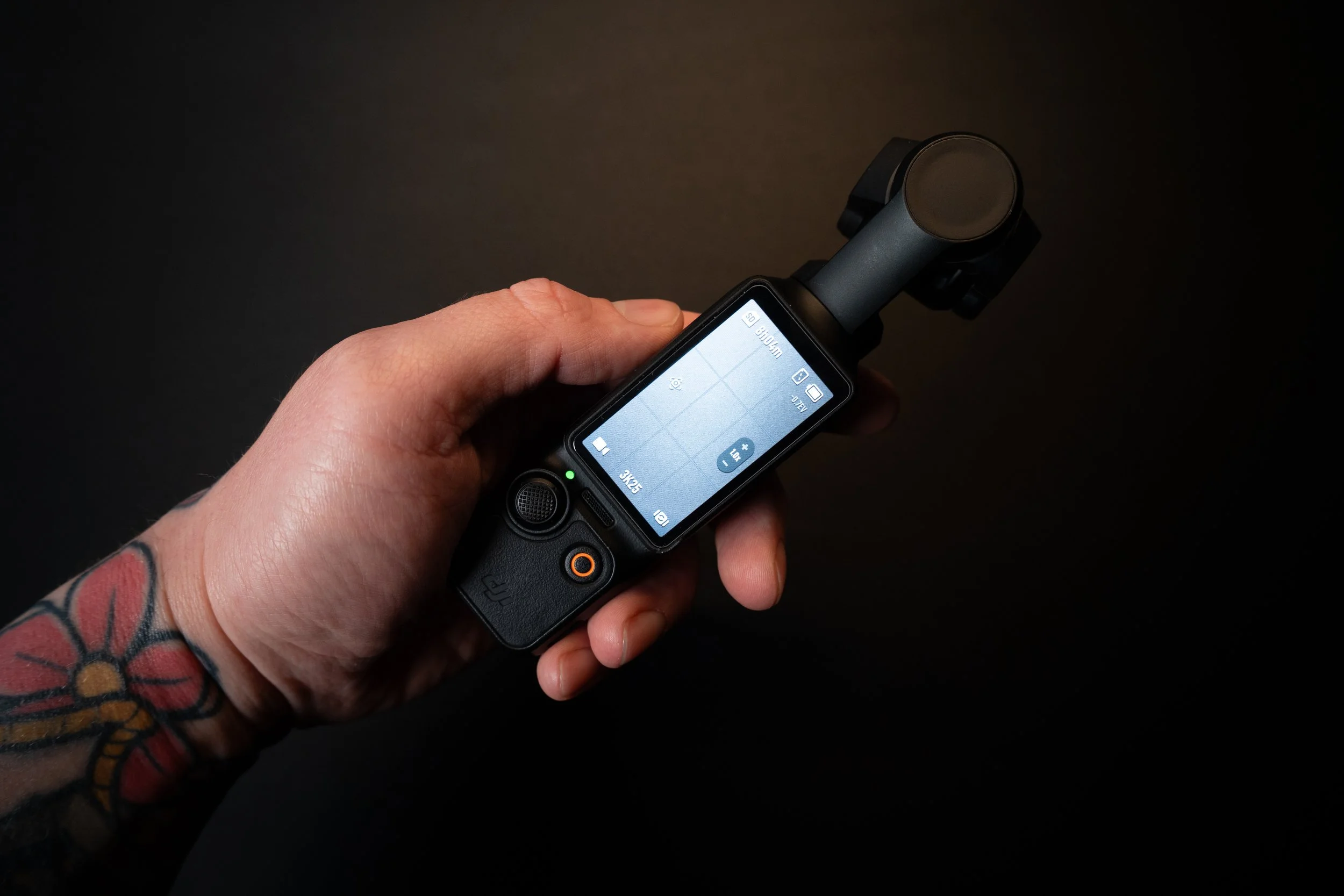
After using the DJI Osmo Pocket 3 for about six months, I’ve had enough real-world experience with it to understand where it shines and where it falls short. I originally bought it because of its extremely compact size and versatility, hoping it would become a camera I could always carry with me.
In this review, I’ll go over what I like, what I don’t like, and whether this camera is actually worth buying, especially if you already own a regular mirrorless camera.
Quick Verdict
If you want a camera that is always ready to shoot, incredibly portable, and perfect for travel, B-roll, and social media content, the Osmo Pocket 3 is excellent. However, if you already own a good mirrorless camera, this will mostly serve as a convenient second camera rather than your main one.
Pros and Cons Overview
Pros
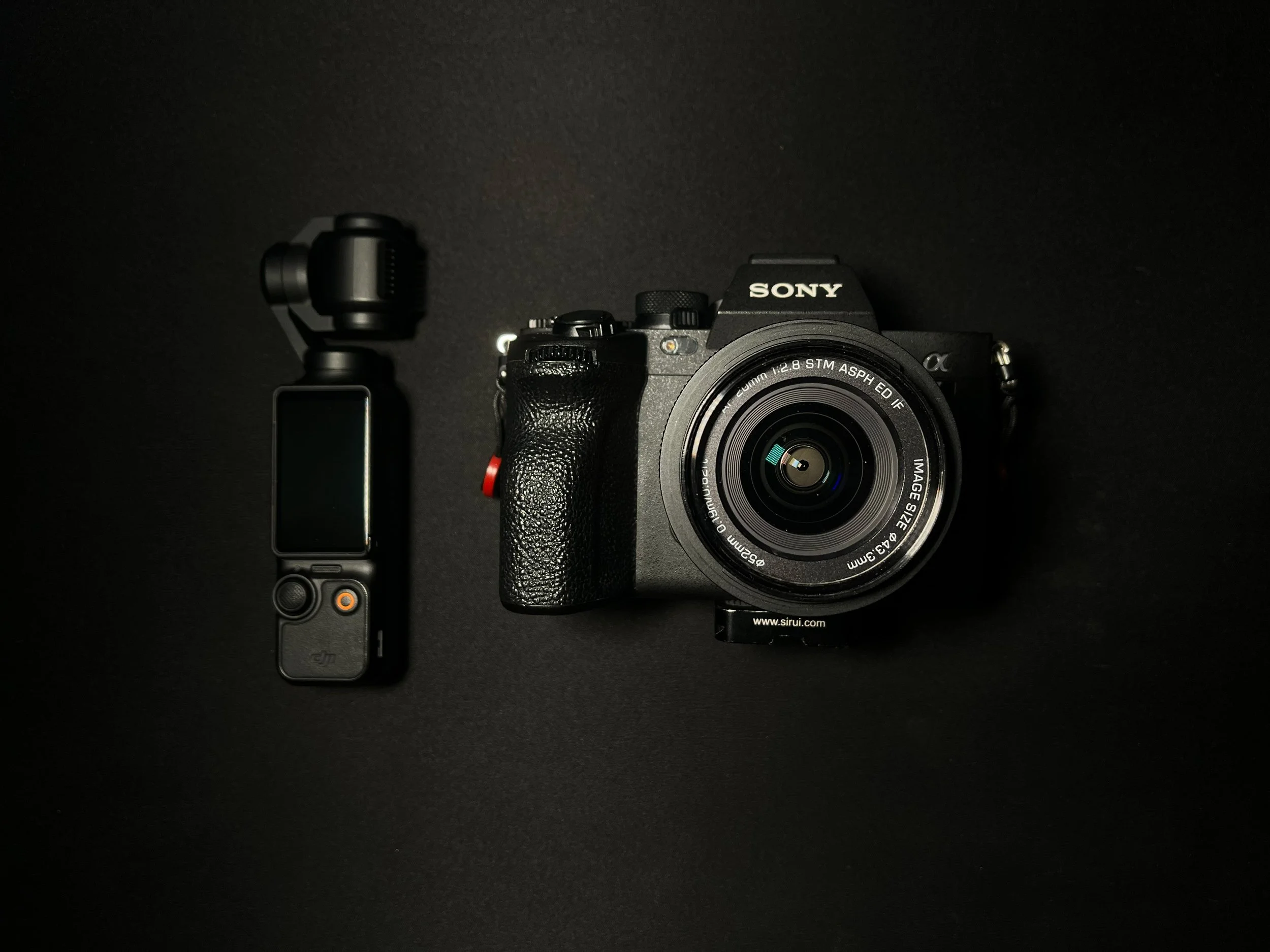
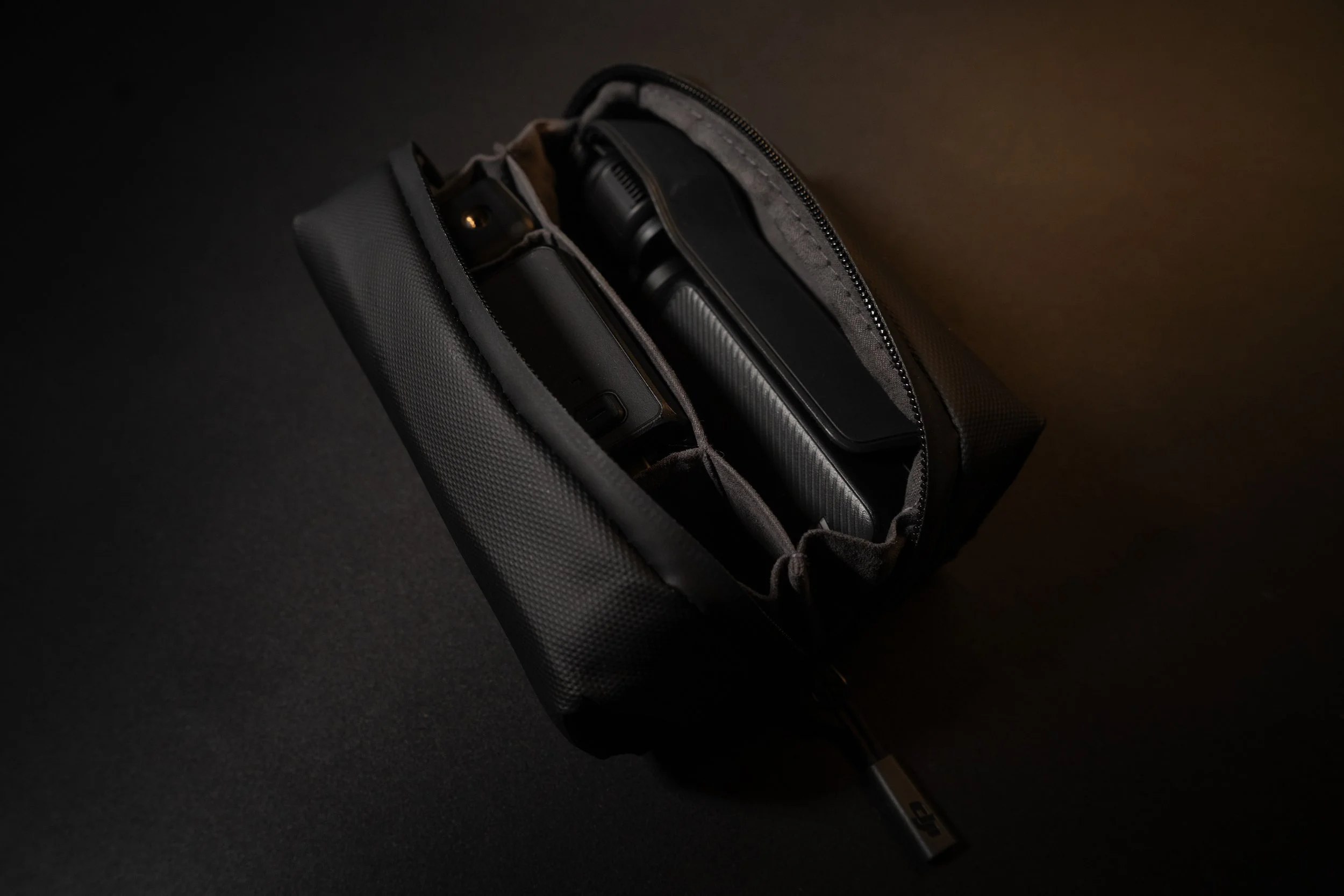
Extremely compact and pocketable
Very fast to set up and start filming
Built-in gimbal stabilization
Great video quality for its size
Vertical recording for social media
D-Log M profile for color grading
Creator Combo microphone (Mic 2) works very well
Discreet camera for street & travel videos
Cons
Small screen and limited controls
Built-in battery cannot be swapped
Limited weather resistance
Fixed wide-angle lens
Not ideal for POV filming
Low-light performance is limited compared to larger cameras
Why I Bought the Osmo Pocket
The main reason I bought this camera was simple: I wanted something I could carry everywhere without thinking about it. My main camera setup produces better results, but it’s bigger, heavier, and takes time to set up.
The Osmo Pocket solves that problem. It fits in a jacket pocket or a small compartment in my bag, so I almost always have it with me. And because it’s already stabilized and ready to go, I can start filming within seconds.
That convenience alone means I capture footage I would otherwise miss because bringing a bigger camera sometimes feels like too much effort, especially for casual shooting or spontaneous moments.
Another big advantage is how discreet it is. When filming in cities or public spaces, people don’t really recognize it as a camera the way they do with a regular setup, which makes filming feel more natural.
Video Quality and D-Log M
Considering how small the camera is, the video quality is impressive. Of course, it doesn’t compete with my Sony A7 IV, but expecting that wouldn’t be realistic.
For B-roll, travel clips, or quick talking head shots, the quality is more than good enough. In many cases, viewers won’t even notice the difference, especially when content is viewed on phones or social media platforms.
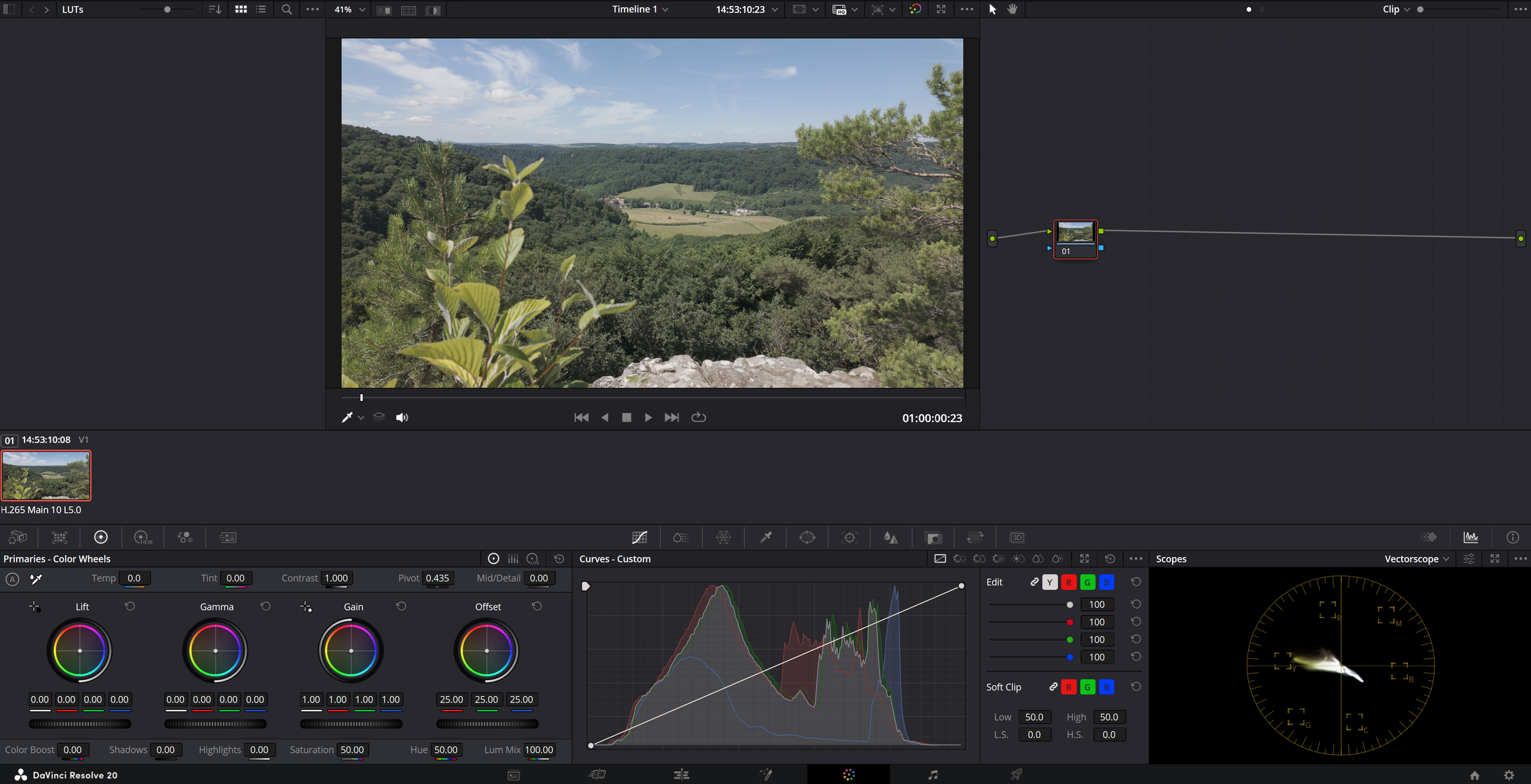
A useful addition is the ability to shoot in D-Log M. Recording in a log-style profile gives you more flexibility when color grading and allows you to recover more detail in highlights and shadows.
However, D-Log M is not a true log profile like S-Log or those found in professional cameras. You can still get good results, but once again, it doesn’t fully match what larger camera systems can produce. Still, having this option is a big plus for creators who like to color grade their footage.
Creator Combo and Audio Quality
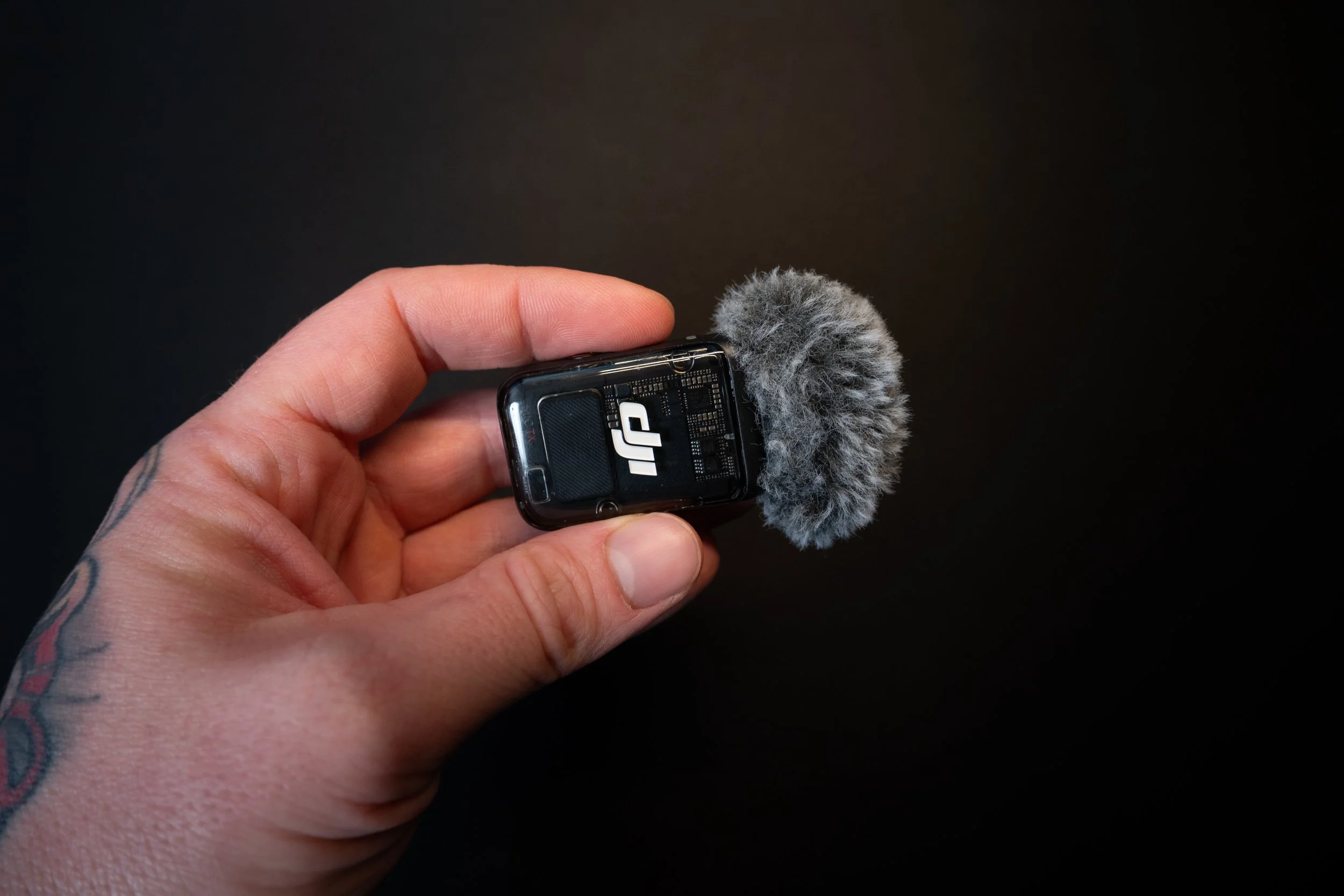
I bought the Creator Combo version, which includes the DJI Mic 2.
The audio quality is clean and crisp, and in many situations I actually prefer it over my shotgun mic because the wireless setup is fast and easy to use. It works great for talking head segments or quick recordings, and having a wireless lav mic helps keep audio clear even when you’re further away from the camera.
Matching the camera’s portability, the whole setup becomes very practical for travel and outdoor filming, making it a compact and efficient system.
Built-in Gimbal Stabilization
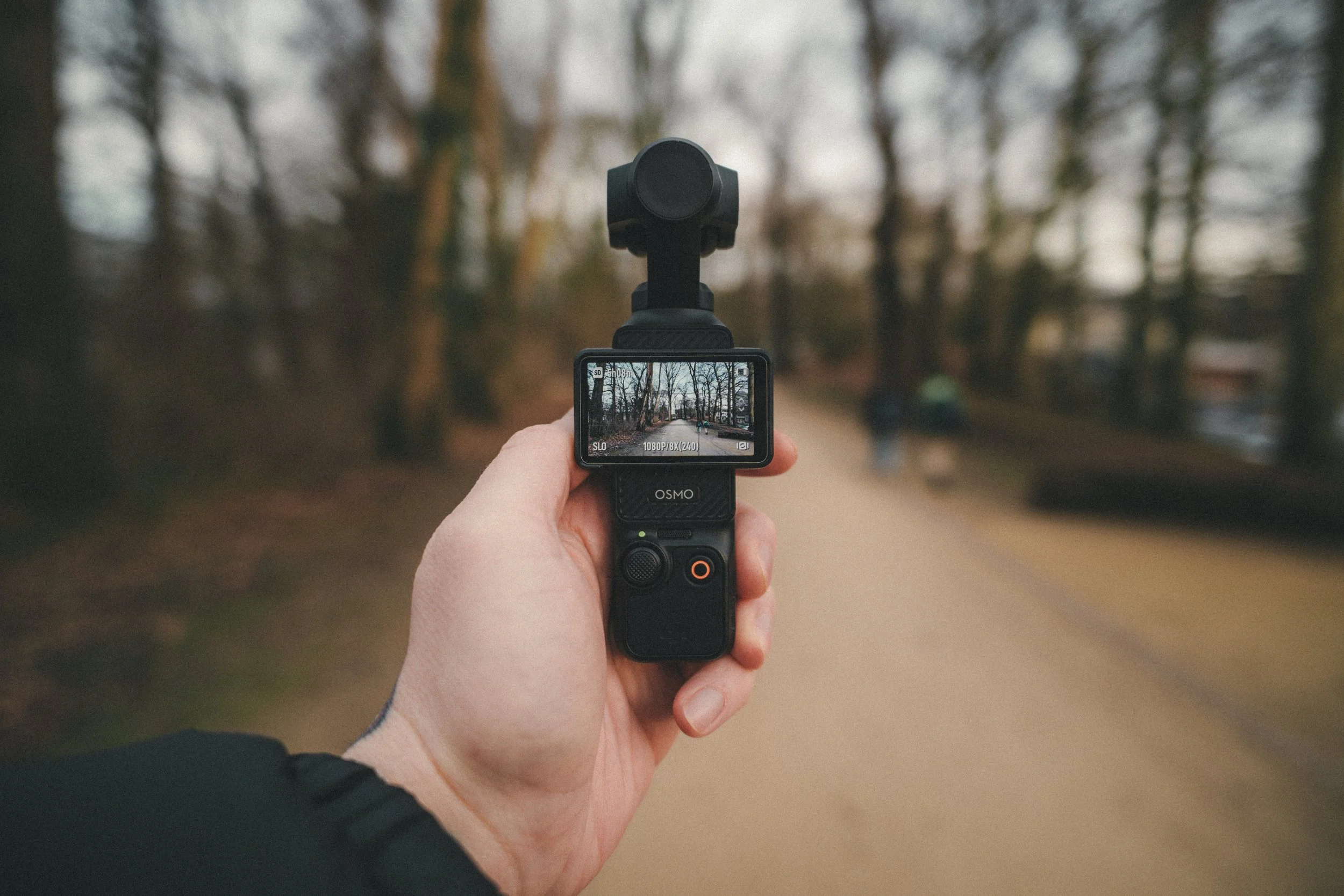
One of the biggest advantages of the Osmo Pocket is its built-in gimbal stabilization. Normally, getting smooth cinematic movement requires mounting a camera onto a separate gimbal, which adds weight and setup time.
Here, stabilization is built in, allowing you to capture smooth walking shots or moving footage instantly. Compared to action cameras, the footage feels much more natural and cinematic.
For travel footage, B-roll, or city walks, this feature alone makes the camera very appealing.
Vertical Video for Social Media
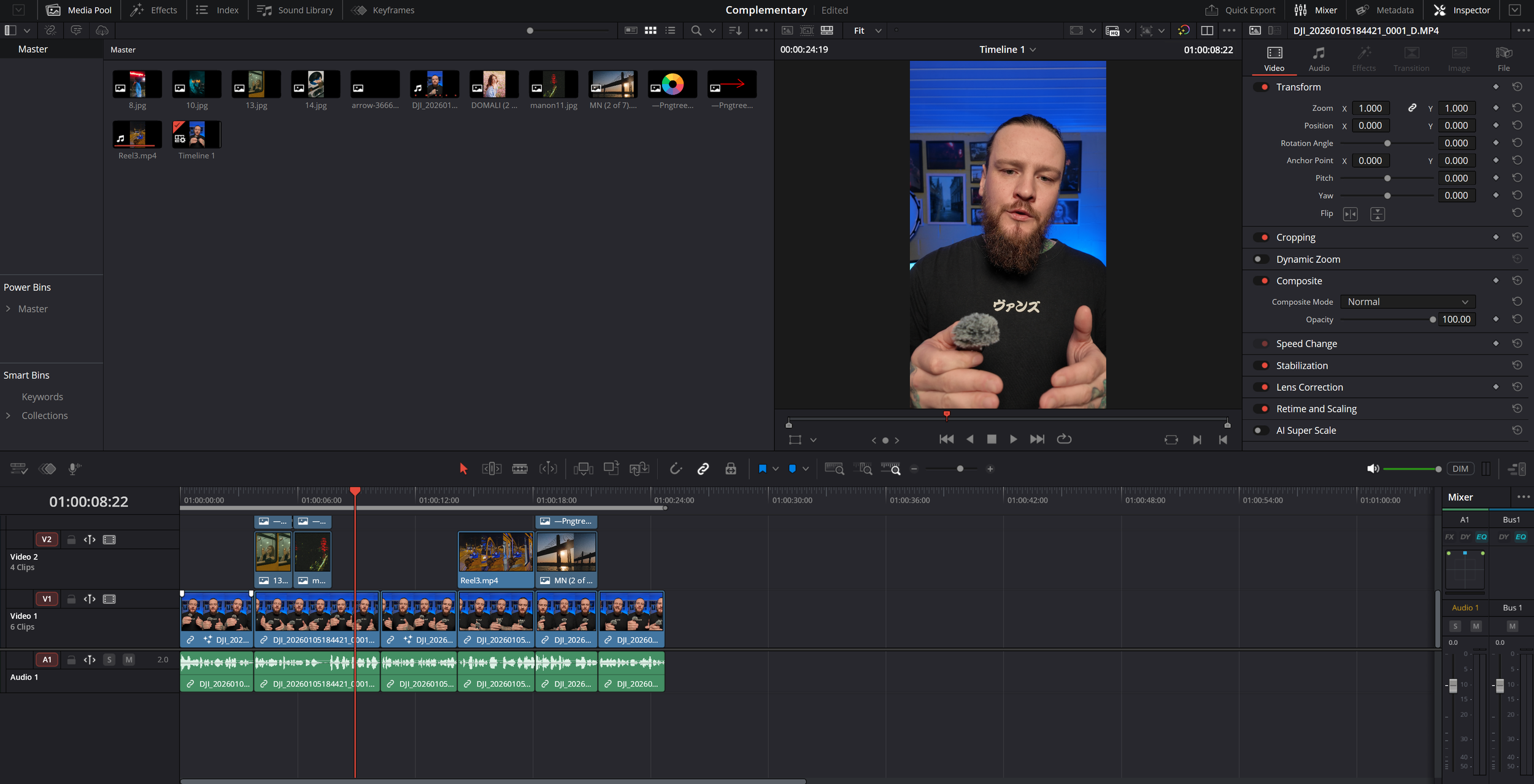
Another feature I use quite often is vertical recording mode. For platforms like Instagram Reels, TikTok, and YouTube Shorts, being able to record directly in vertical format speeds up the workflow.
The footage records in 3K rather than 4K, but for social media this is more than enough. The biggest benefit is being able to see exactly what is in frame while filming instead of guessing and cropping later.
This saves editing time and makes social media content creation faster and easier.
Downsides of the DJI Osmo Pocket
Small Screen and Controls
The small screen is one of the main compromises. Navigating menus and settings can feel cramped, especially compared to using a regular camera with physical buttons and larger displays.
You can connect the camera to your phone using the DJI Mimo app to get a bigger screen, but that means pulling out another device, which partly defeats the purpose of having such a compact camera.
Battery Limitations
Battery life is decent but not exceptional. The biggest downside is that the battery is built in, so you cannot swap batteries during long shooting days.
The extension handle helps, but the camera is really meant for quick shooting sessions rather than full days.
Weather Resistance
The camera isn’t very weather resistant, so filming in rain or harsh conditions requires caution. This limits how confidently you can use it in unpredictable environments.
Fixed Lens Limitations
You are limited to the built-in wide-angle lens, and you can’t change lenses or adjust aperture, which reduces creative flexibility compared to mirrorless cameras.
There are lens attachments available, including wider, macro, and even anamorphic options. However, these attachments are quite thick and prevent the camera from fully closing when attached. While they add some versatility, it’s still nowhere near the flexibility you get from using interchangeable lenses on a regular camera.
POV Filming Issues
One of my original reasons for buying the camera was to use it for POV footage. Unfortunately, it didn’t work as well as I hoped.
Because the camera sits on a gimbal, the movement feels unnatural for POV shots, and the lens width isn’t quite ideal either. I eventually bought a different camera specifically for POV filming.
Low-Light Performance
Low-light performance is better than most action cameras, but it still can’t compete with larger cameras paired with fast lenses. In darker environments, image quality drops noticeably faster.
Real-World Use: When I Actually Choose It
In reality, I mainly use the Osmo Pocket as a secondary camera rather than a replacement for my main setup. When I travel, I still bring my main camera, but the Osmo Pocket is an easy extra camera to carry for quick B-roll shots or behind-the-scenes footage.
I also use it quite often at home for social media clips and parts of my YouTube videos because it’s so quick to grab and start filming. Sometimes I even film an entire video with it simply because it’s fast and convenient compared to setting up my full camera.
Another advantage is that it’s very easy to operate, so when I’m traveling with someone, I can quickly hand it to them and they can film some behind-the-scenes shots for me without needing much explanation. That convenience makes it a very useful second camera to have around.

Final Thoughts: Who Is This Camera For?
Sometimes I wonder if I really need this camera since my main camera technically does everything better. But every time I think about selling it, I remember why I bought it.
The convenience and portability remove friction from filming, and because of that, I capture more footage overall. As a second camera for travel, B-roll, and spontaneous shooting, it’s incredibly useful.
If you already own a good camera, that will outperform the Osmo Pocket 3 most of the time. But as a compact, always-ready camera that makes filming easy, it’s hard to beat.
And that convenience is exactly why I’m keeping it.