My youtube Workflow: What Actually Works for Me
If you’re a creative person with a million ideas but still struggle to create content consistently, this might sound familiar.
For a long time, I thought my problem was motivation. I assumed I just needed more discipline or better habits.
But that wasn’t the real issue.
The real problem was structure.
From No Scripts to Too Much Chaos
In the beginning, I didn’t use scripts at all. I simply turned on the camera and talked about whatever was on my mind.
Sometimes that works. But for me, especially with how chaotic my brain can be, it rarely did.
I would ramble, lose track of my point, or forget what I was trying to say halfway through a sentence. I ended up with footage that was messy and hard to edit.
That’s when I realized something important:
Coming up with ideas is not my problem. Turning those ideas into something clear and structured enough for people to actually enjoy watching is the challenge.
I don’t need a word for word script that makes me sound robotic, but something that keeps me focused.
Why I Stopped Writing Scripts the Traditional Way
I used to type out every script. YouTube videos, Reels, everything.
But typing scripts takes forever for me. I lose focus, forget what I wanted to say, get frustrated, and eventually procrastinate.
So recently, I switched to dictation using text to speech tools.
The big advantage is speed. Speaking is much faster than typing, especially when ideas are flowing. Instead of slowly writing everything down and losing momentum, I can just talk and capture my thoughts instantly.
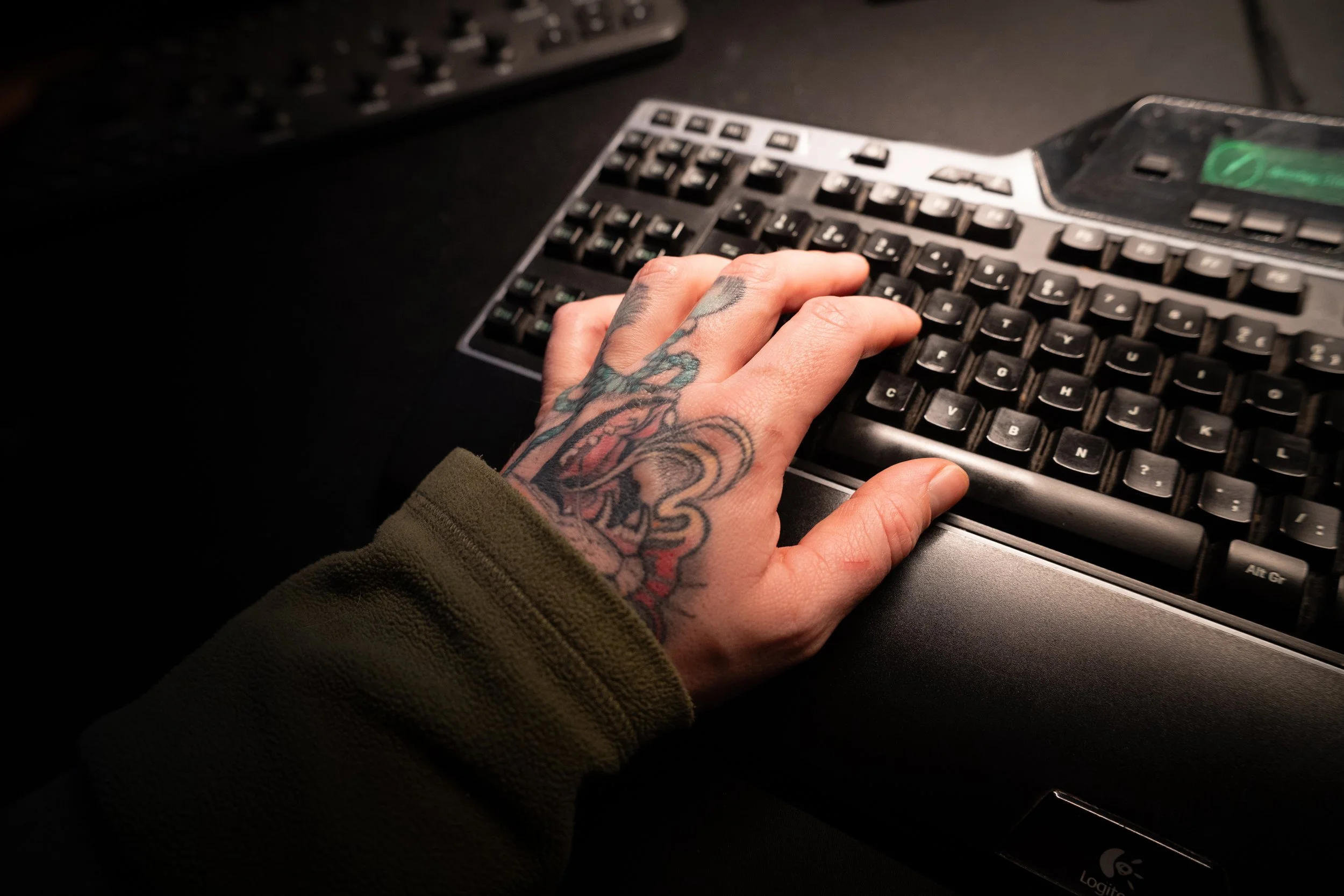
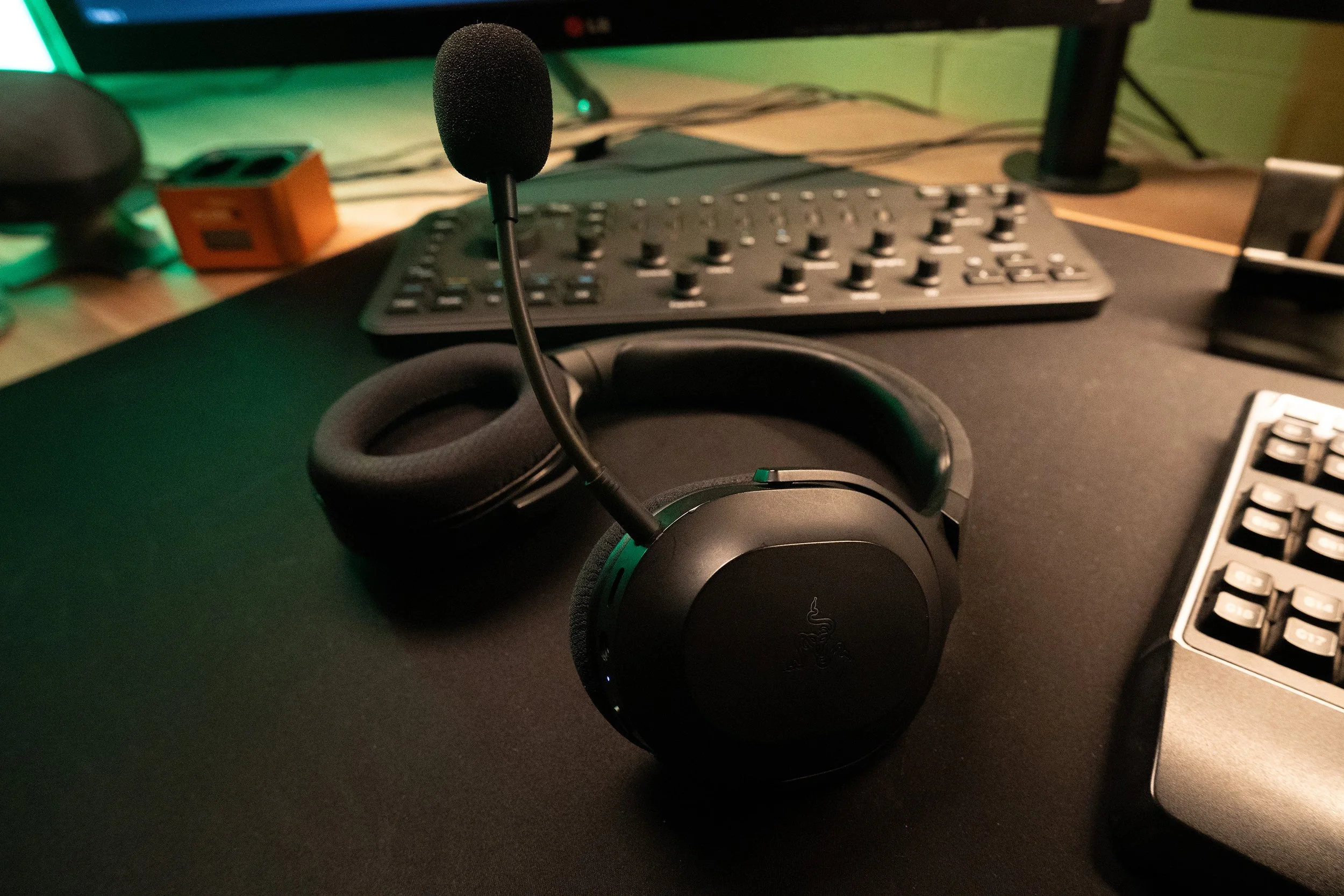
There are several Chrome extensions that let you speak instead of typing. They are not perfect and sometimes mess up words, but that actually doesn’t matter.
My Idea Dump Process
Here’s how I work now.
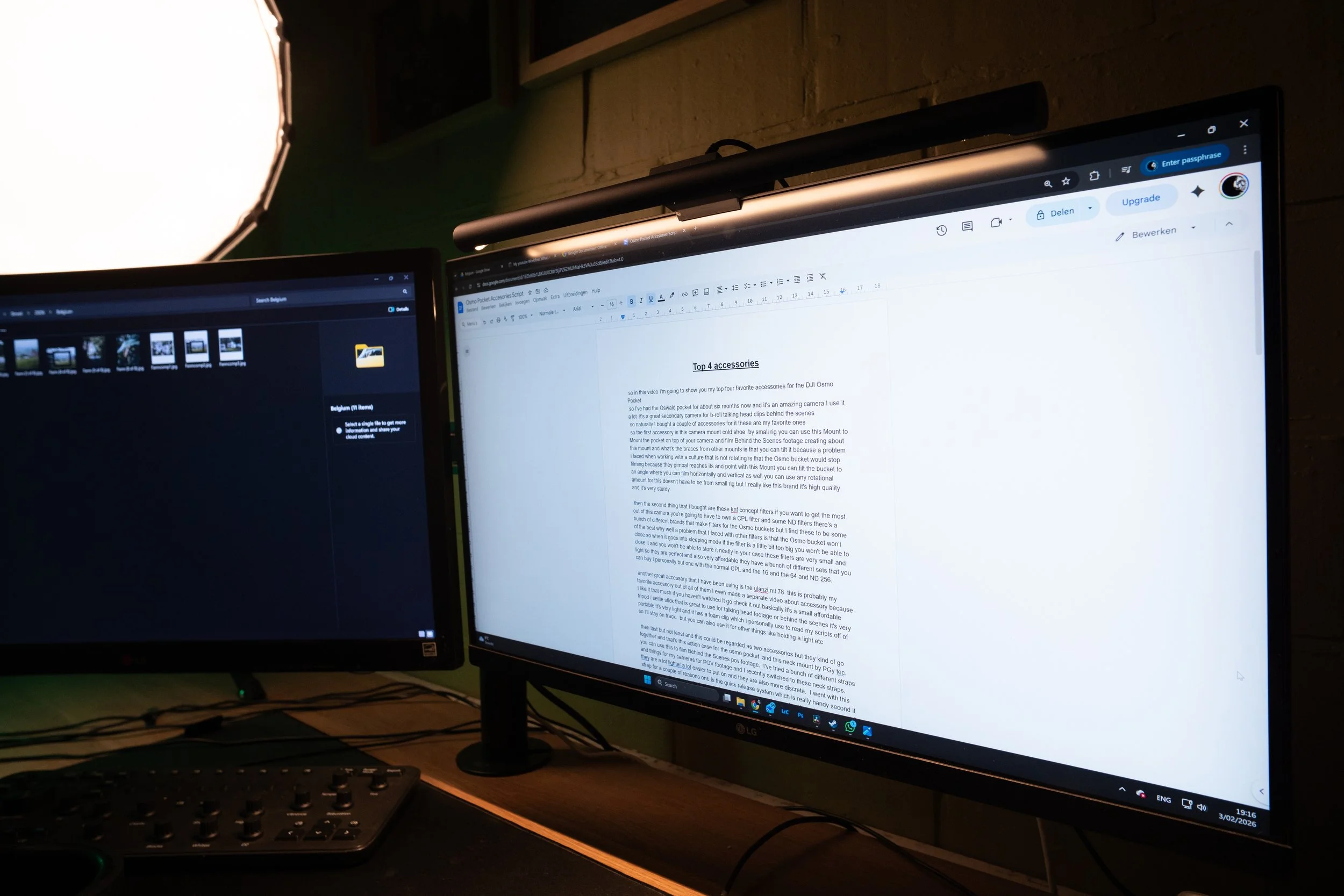
I open Google Docs, turn on text to speech, and start talking.
I literally ramble through my ideas out loud. I can walk around while thinking instead of being stuck behind a keyboard, and that makes it much easier for me to stay focused.
When I’m done, I end up with a huge, messy wall of text.
And that’s where AI comes in.
How I Use AI, and Why I’m Fine With It
AI gets a lot of criticism. Some people think using it is lazy or that content should be completely created without assistance.
But the ideas are still mine. The words are mine. The thoughts are mine.
I’m not asking AI to create content for me. I use it to:
Structure my thoughts
Clean up the text
Extract key points
Turn chaotic notes into a usable script
After that, I go through the script myself, rewrite parts, remove things, add new ideas, and make sure it sounds like me. Then I’m ready to record.
Recording Is Still Hard
Even with a script, recording is not easy for me.
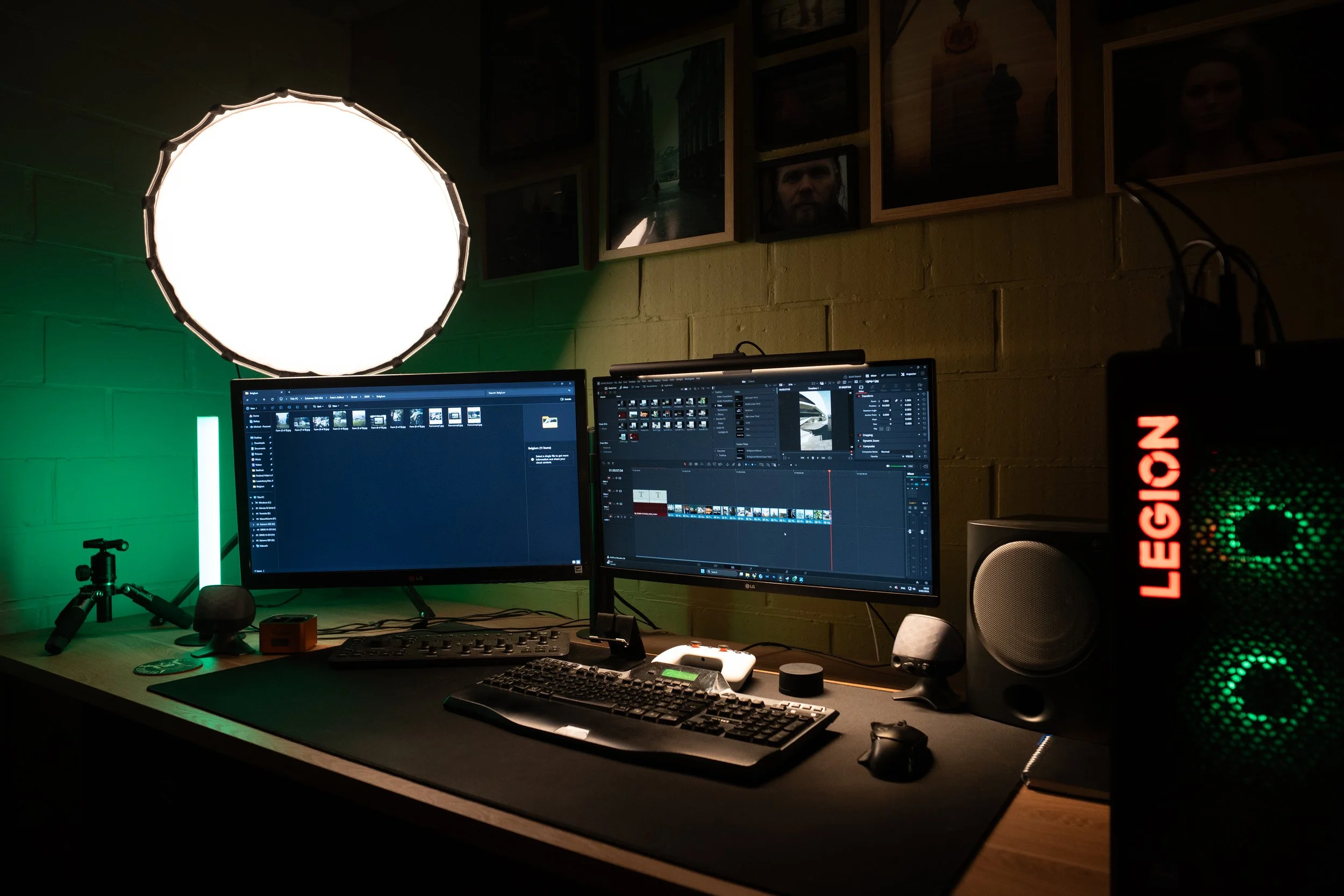
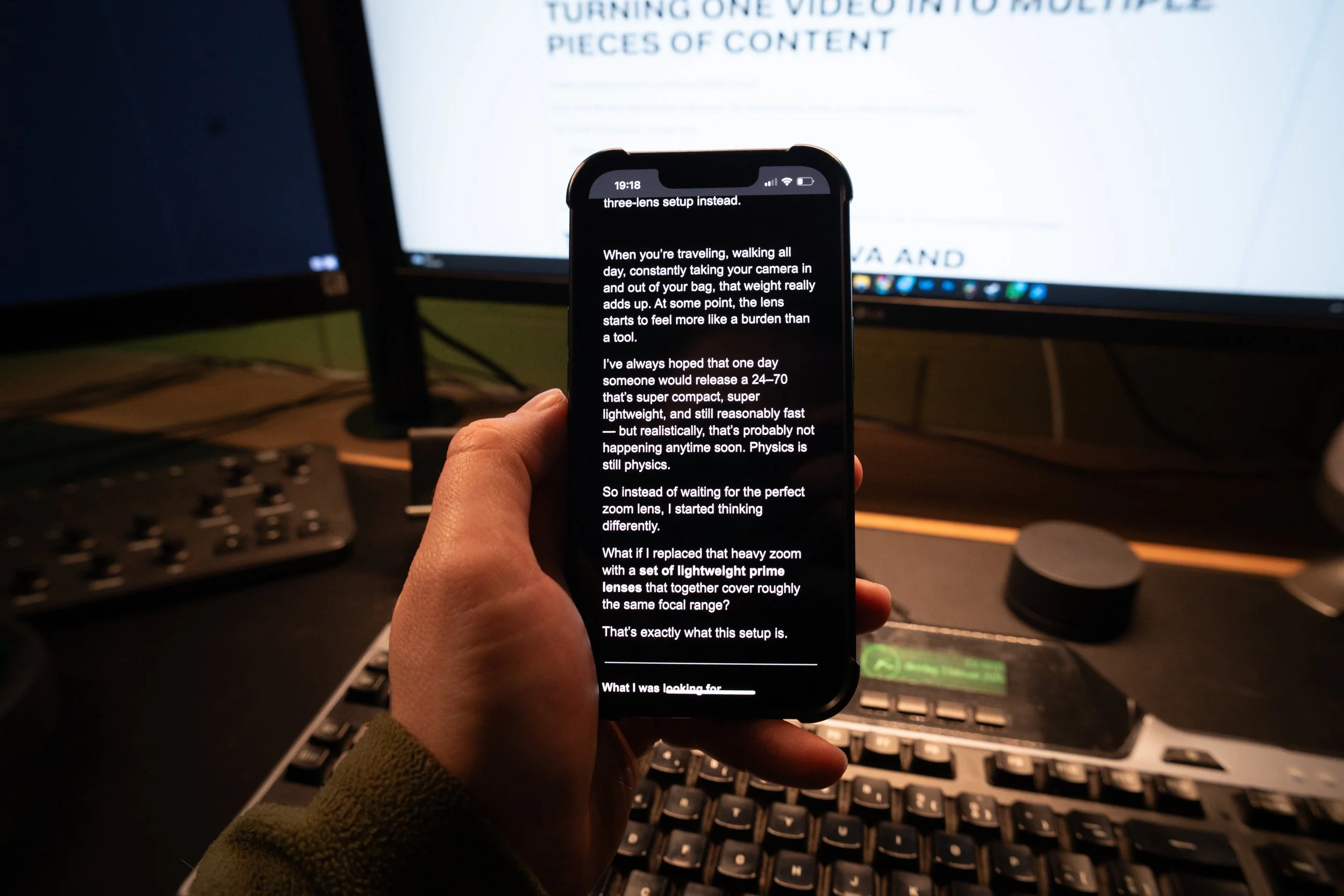
I set up my camera and lights, and place my script next to the lens on a tripod. I usually keep it open in Google Docs so I can also view it on my phone.
Still, I mess up lines, lose track, or suddenly think of something else halfway through a sentence.
That means I end up with a lot more cuts than most creators. It sometimes looks less clean than I’d like, but right now that is simply part of my process.
Because of all those cuts, editing takes time.
To hide jump cuts, I use B roll footage. And honestly, almost every creator does this. I probably overthink it sometimes. Other people have jump cuts too. They are just better at hiding them.
Turning One Video Into Multiple Pieces of Content
Another important part of my workflow is reusing content.
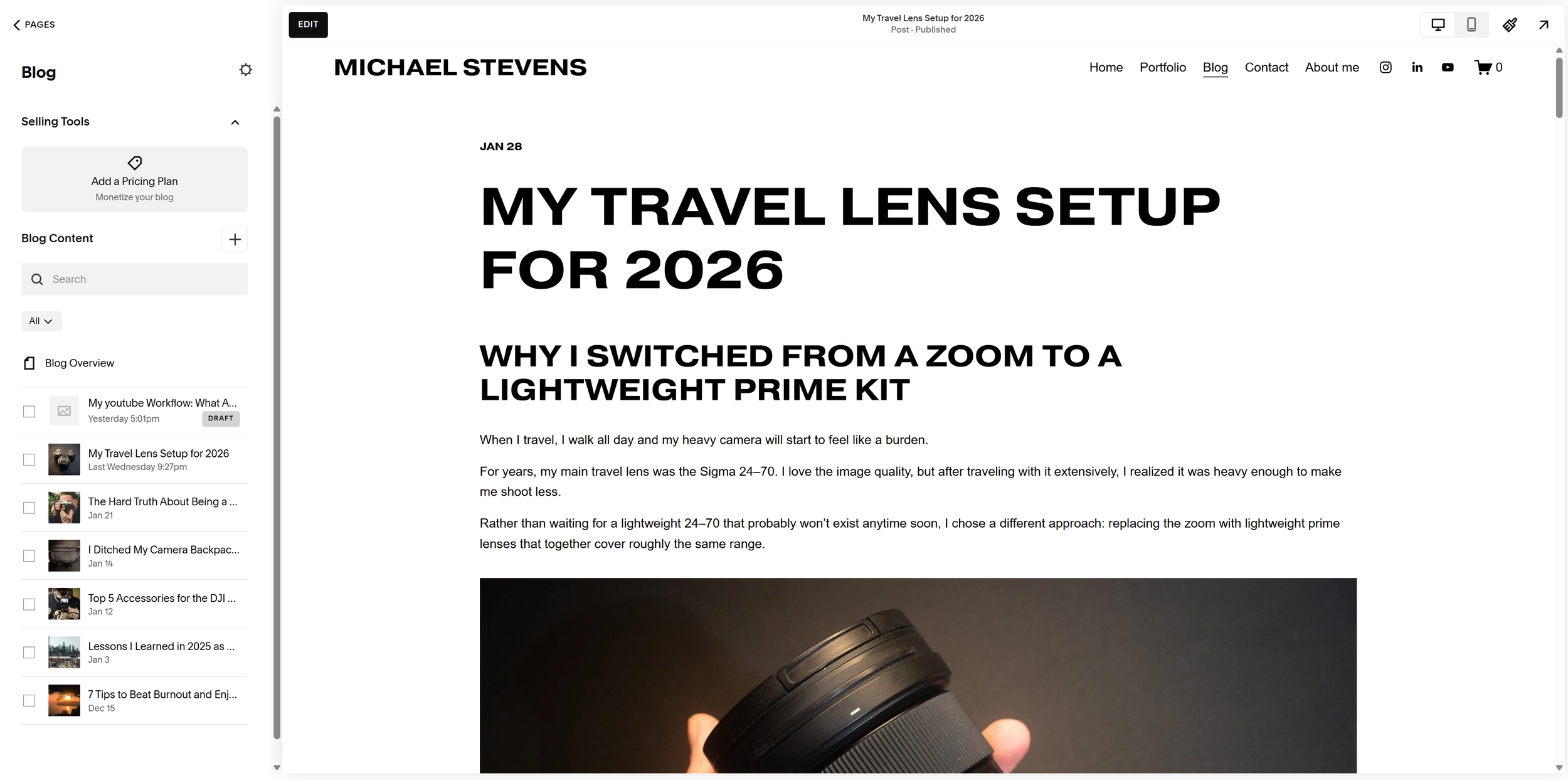
Every YouTube video also becomes a blog post. The content already exists, so it makes sense to repurpose it.
For Youtube & blog posts, I usually need:
Product photos
B roll footage
Thumbnail images
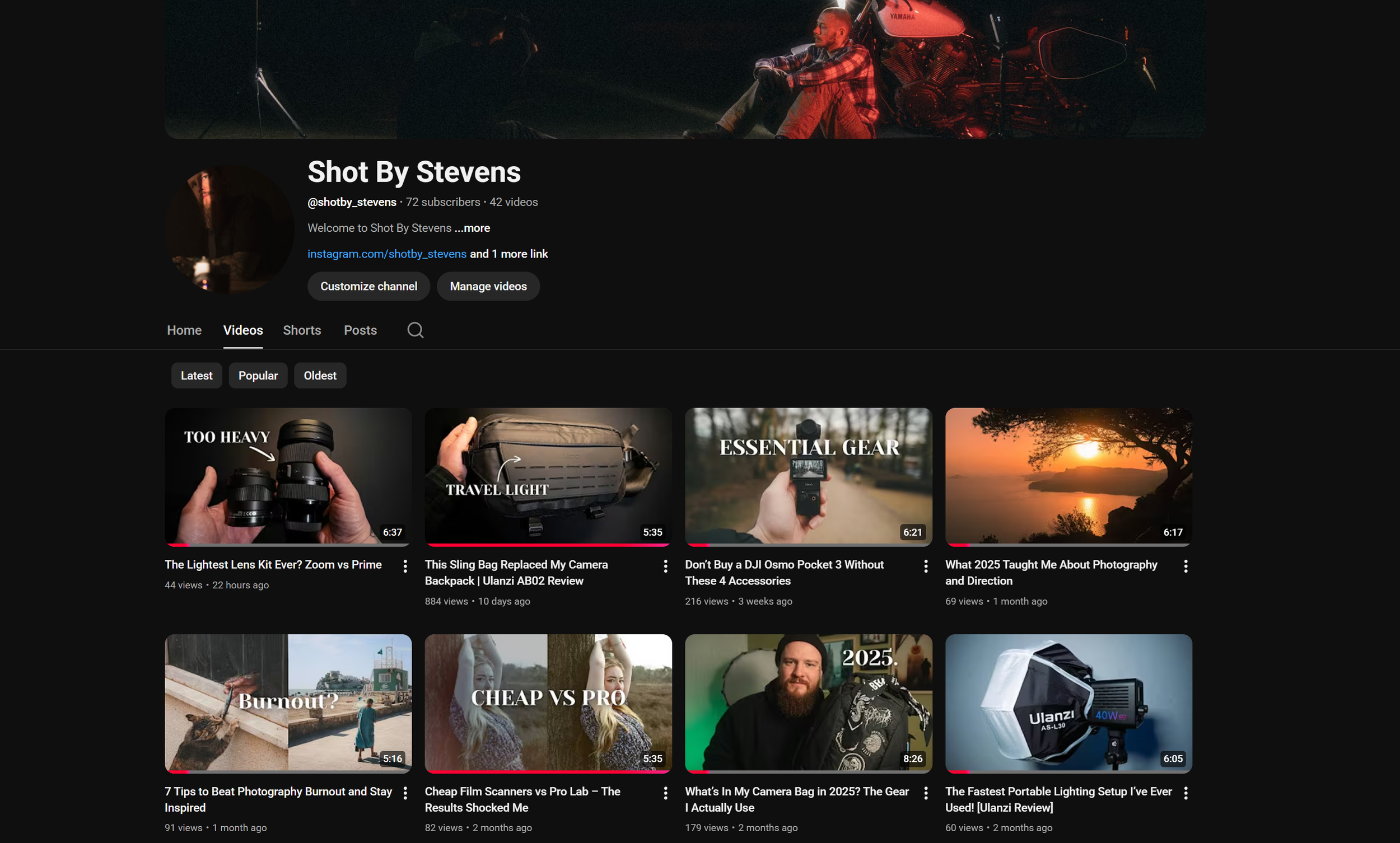
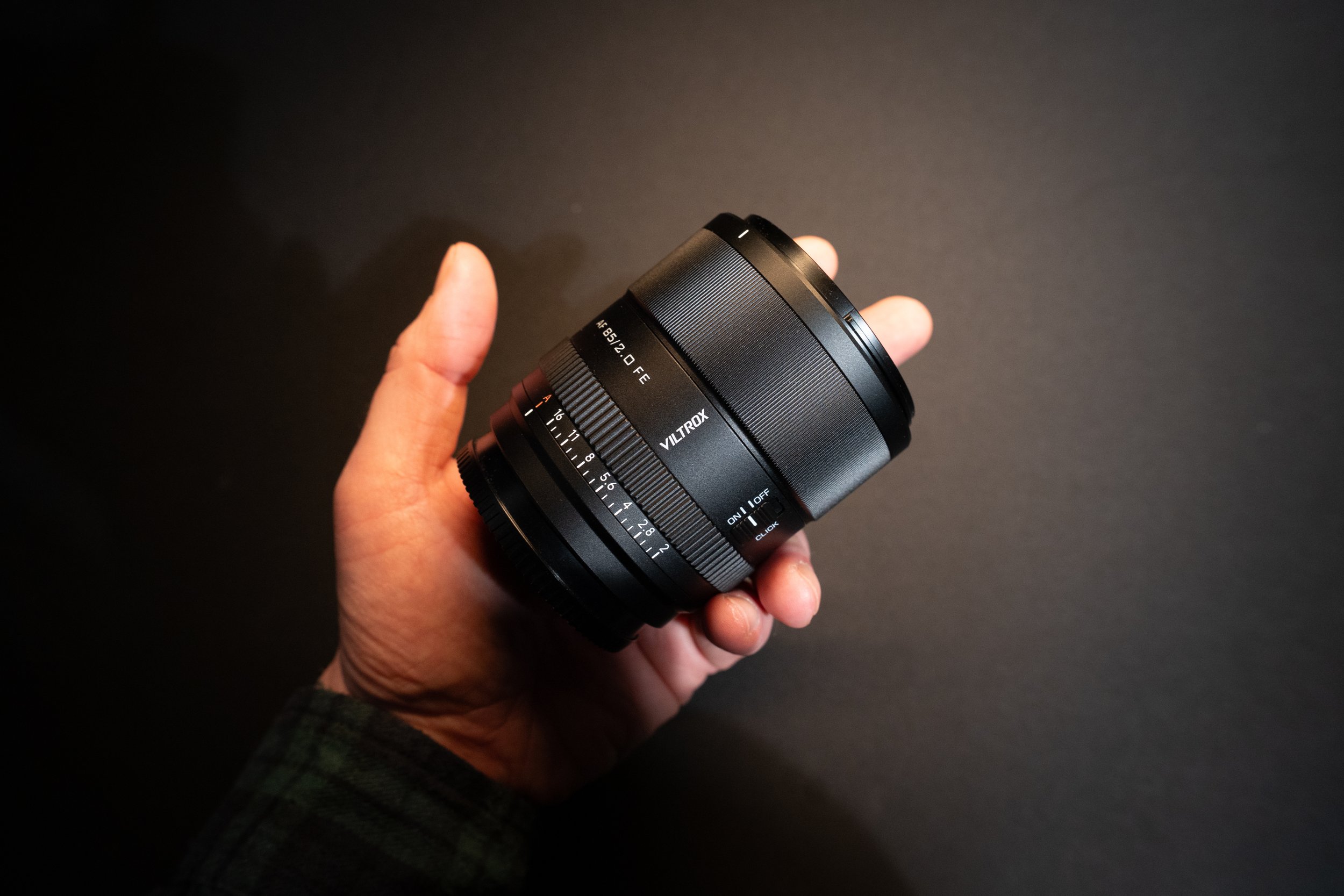
So I batch everything. I place products on a simple background, currently just photography paper, and shoot everything in one session.
Thumbnails, Canva and Consistency
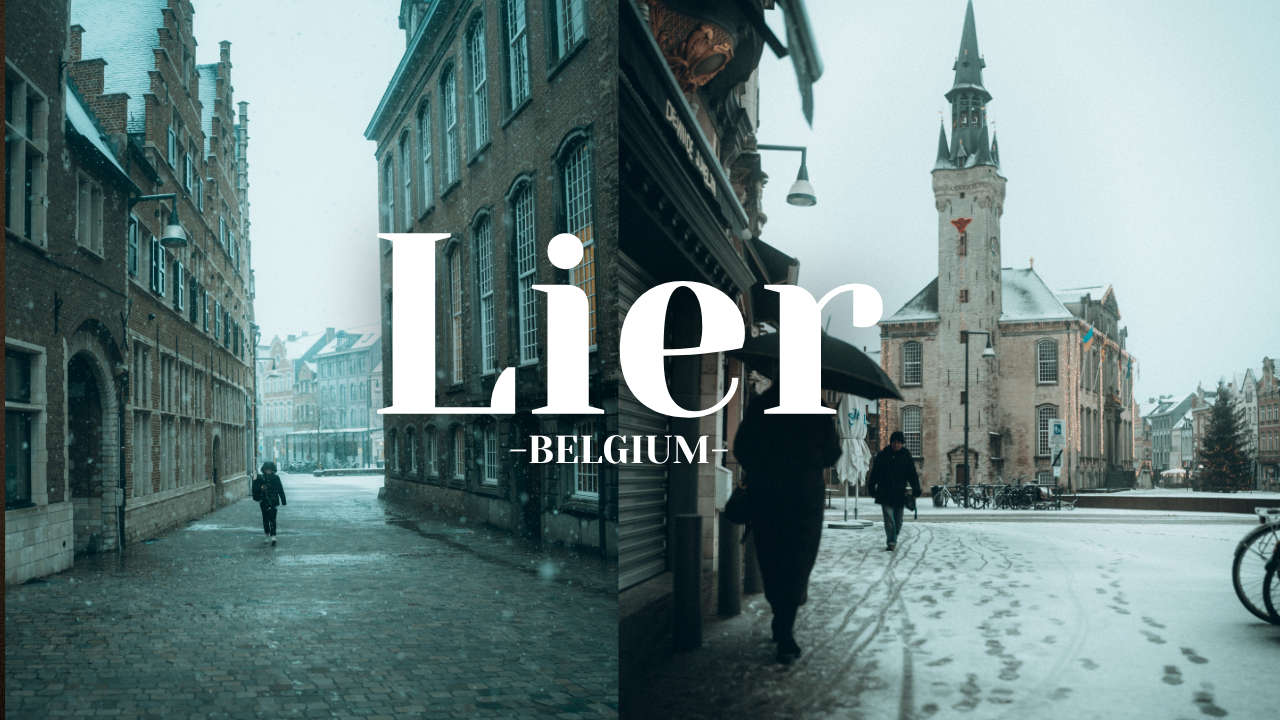
For thumbnails, I keep things simple and consistent.
I use my own photography, because as photographers, why wouldn’t we showcase our work?
I upload the images into Canva where I already have a template with:
The same size
The same font
The same style
I drop in the photo, tweak the text, export, and I’m done.
Why This Workflow Works for Me
This workflow works for me right now. Others might disagree or criticize parts of it, especially the AI usage, and that’s okay.
I still work a regular job. I hit the gym. I try to live a healthy life.
This system allows me to create consistently.
And honestly, that’s what matters most.